01
Capture the active view.
Start from the Revit view the team is already reviewing.
Available Now. V0.3
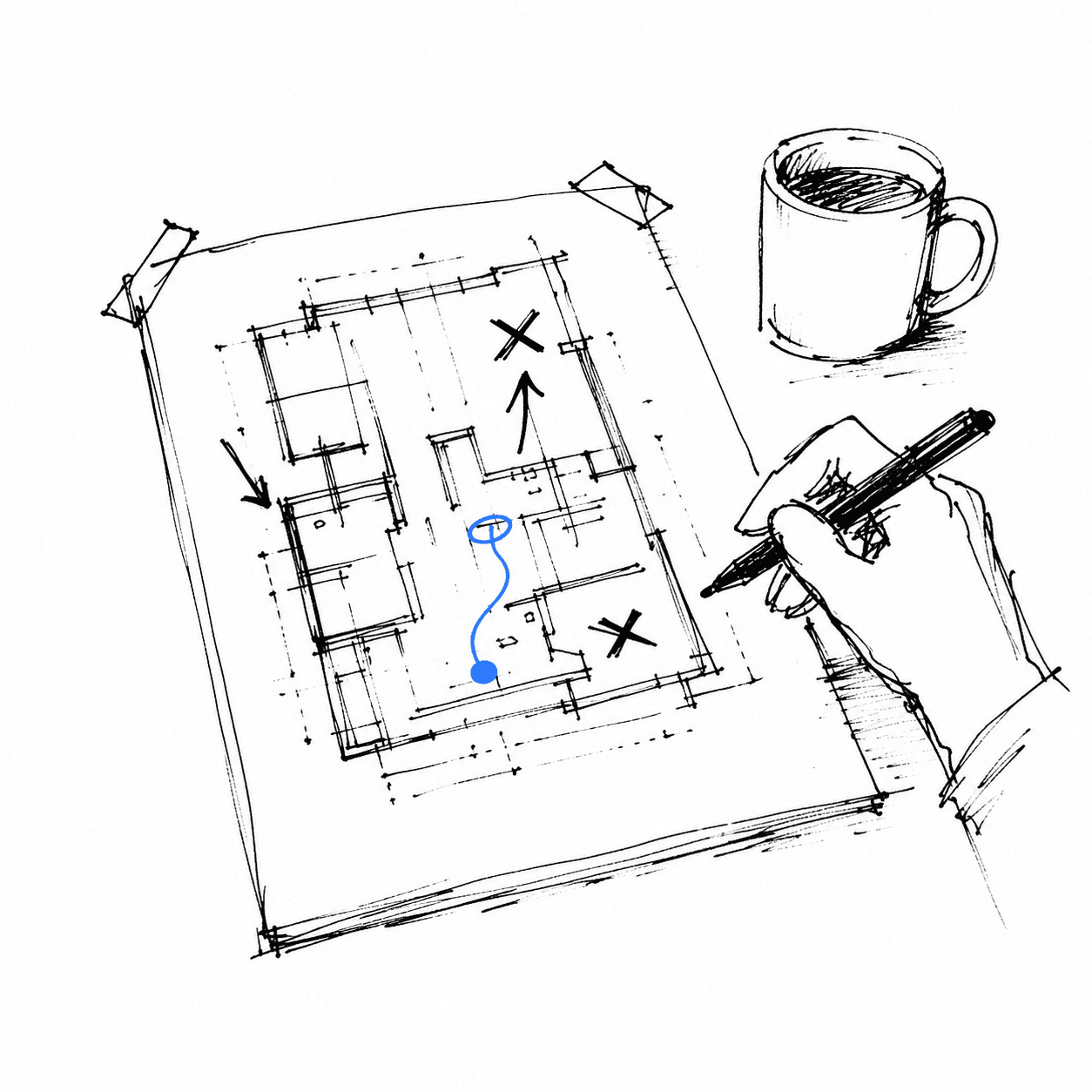
Capture a Revit view, mark it up, and return to the saved markup later.
Available Now
Create an account, choose your Revit version, and download the installer.
Capabilities
Sketch keeps the captured view and sketch marks together so teams can return to the same review moment later.
Start from the Revit view the team is already reviewing.
Add marks around the view without turning the RVT into the first storage layer.
Keep the captured view and sketch marks ready to reopen later.
Workflow
Sketch keeps the first review loop small, so early comments stay easier to find when the model changes.
01
02
03
04
Review
The useful artifact is not only a screenshot. A saved markup keeps the captured view and sketch marks available for later review.
Access
Use the Sketch portal to choose your Revit version and download the installer.
Access path
Create your account, choose a Revit version, and download the installer.