Technical InsightsBIMComplianceSingapore
Check the model before the file exists
CORENET X validation failures happen after hours of IFC export. Here's how to check your file, and why the real fix is catching problems before you ever export.
Adib Zailan
February 12, 2026Updated July 23, 2026
5 min read
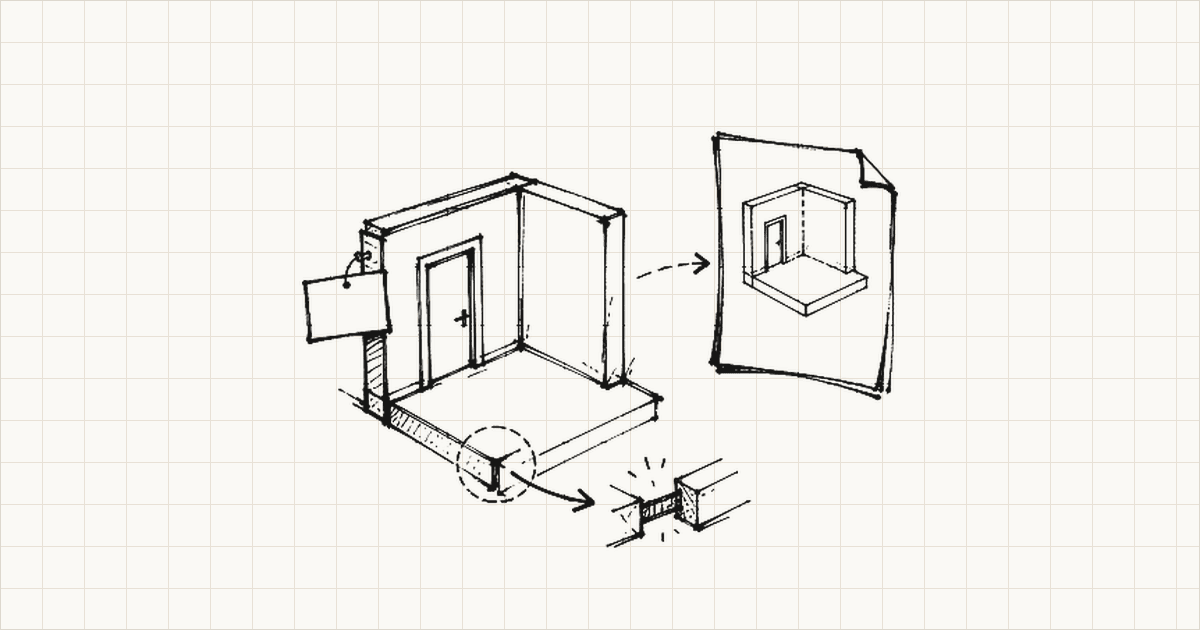
You're sitting at your desk. It's 2 AM. The CORENET X submission deadline is tomorrow afternoon, and you've spent the last week finalizing your Revit model, adjusting parameters, running internal checks. Everything feels ready. You hit export.
The IFC file spools out: 150MB, 2 million lines of STEP format, all your architectural geometry distilled into one standardized file.
You upload it to CORENET X.
Validation report: 47 errors. Missing SGPset properties on your doors. Wrong classification on half your building elements. IfcSpace elements without the required fire rating parameters. Spatial containment hierarchy incomplete.
You open the IFC file in a text editor. Nested STEP format, thousands of lines of cryptic attribute syntax. Where do you even start?
This is the validation gap.
CORENET X Catches Problems Too Late
CORENET X validates your IFC file after you've exported it. By that point, you're not in Revit anymore. You're not in your native design environment. You're looking at a compiled file format that was built for data interoperability, not human readability.
So you go back to Revit. You adjust the parameters you think are wrong, but you can't actually see how those parameters map to the exported IFC structure, so you're guessing. You re-export. Thirty to ninety minutes for a large model. You re-upload to CORENET X. Wait for validation. Read another error report. Go back to Revit again.
We documented this cycle in detail in "Why Does CORENET X Validation Fail After Export?". The short version: by the time you discover what's broken, you've already paid the biggest cost. Your time. Your deadline.
Most practitioners validate after export because that's when the tools kick in. The conversation around IFC validation has always been downstream. Check the exported file. Fix the exported file. Submit the file. Every tool assumes that validation belongs at the end of the process.
It doesn't.
What IFC Validation Actually Checks
An IFC file validation isn't a single check. It's five distinct layers, and they differ wildly in how well existing tools handle them.
Schema compliance is the baseline. Does your file conform to IFC4? Are data types correct? Required attributes present? Most free tools handle this well.
Geometry integrity comes next. Are elements properly bounded? Any zero-volume IfcSpace elements? Wall openings correctly defined within parent elements? Spatial hierarchies coherent? Still relatively automated, still well-served by existing tools.
Property set completeness is where things start to break down. IFC files contain dozens of property sets (Pset_DoorCommon, Pset_WindowCommon, Pset_SpaceCommon, and so on). Singapore's IFC-SG and SGPset extensions define specific properties that must be populated for certain element types. Are those properties in your file? Are they populated with real values, or sitting empty?
Classification accuracy trips up most firms. Every element needs to be classified per the IFC-SG mapping table. A "Fire Door" in your Revit project needs to map to an IfcDoor with specific classification attributes. If it's classified as a generic IfcDoor instead, CORENET X flags it. Doesn't matter that it looks right in Revit.
Coordination checks round it out. Elements assigned to the correct building storey? IfcSpace contained within its parent IfcBuildingStorey, within an IfcBuilding? These are topological checks, about relationships between elements rather than the elements themselves.
Most free tools do layers 1 and 2 well. But layers 3, 4, and 5 are what cause CORENET X submission failures. Those checks need knowledge of Singapore's specific regulatory requirements, and most tools just don't have it.
What's Actually Available Right Now
buildingSMART's IFC Validation Service is free and runs on their servers. Upload your file and it checks schema compliance and basic structural integrity, which is good for catching file corruption or malformed STEP syntax. The limitation is that it doesn't understand SGPset requirements or IFC-SG classification rules. Use it as a baseline check, not as your only validation step.
Desktop model checkers are the industry standard for rule-based IFC checking. They let you define custom validation rules, run building code checks, and audit your model thoroughly. The downside is you'll need a license (often expensive) and there's a learning curve involved. Most practices don't have this type of tool sitting around specifically for a CORENET X submission.
Free web-based checking tools designed for Singapore actually do understand local requirements. You upload your file, and they validate against IFC-SG parameters and SGPset property sets. Some even let you edit values directly in the browser, fix a missing fire rating, and re-download the corrected IFC file. These are useful for last-minute corrections, but they're still post-export tools. You're patching the compiled file, not fixing the source model.
BCA's CORENET X Sandbox is the actual submission system in a testing environment. It's good for rehearsing the process and learning what errors look like. It's not something you'd use for daily validation.
All of these tools validate the exported file. None of them stop the problems from happening in the first place.
Moving the Check Upstream
What if you checked compliance before exporting?
If you could catch a missing SGPset property, a misclassified door, or an incomplete parameter set while you're still in Revit, the cost of fixing it drops from hours to seconds. No re-export. No re-upload. No waiting for validation results. Just adjust the parameter in your native environment and move on.
We wrote about the productivity loss in "Why Does CORENET X Parameter Mapping Take So Long?". The real cost isn't the export itself. It's the context-switching. Every cycle between Revit and the IFC validation results costs you not just clock time but mental bandwidth. You lose track of where you were. You lose momentum.
Moving validation upstream means checking compliance inside Revit, where the problems are visible and the fixes are immediate. This is why we built Senibina-Gateway. It catches these issues before you ever hit export, in the environment where fixing a missing fire rating takes five seconds instead of fifty minutes.
What You Can Do Today
If you're still in the post-export validation workflow, a few things help.
Get the IFC-SG mapping table from BCA's resources. It's the source of truth for which properties belong on which elements, how elements should be classified, what each agency requires. Print it. Annotate it. Cross-reference your Revit model against it before you export. Manual, yes. But it catches most classification errors.
The CORENET X Parameter Lookup tool (available through Senibina's resources) tells you which parameters each agency requires for each element type. Build a checklist for your specific project. Verify against it.
Know your submission gateway. Design submission needs different parameters than Piling, which needs different parameters than Construction. Don't try to validate for everything at once. Know what you're being checked on and verify that specifically.
And if you're already exporting, use whatever validator you can access. Look for missing Pset values and incorrect classifications. Those two categories cause most CORENET X failures.
October Is Coming
Singapore's CORENET X rollout is happening. Projects with GFA of 30,000 m² and above are already mandatory. From 1 October 2026, new projects with GFA of 5,000 m² and above must use CORENET X, while projects below 5,000 m² may continue using CORENET 2.0 for now, according to BCA's 22 July 2026 media release. For qualifying projects, these validation checks run whether you're ready or not.
You can catch the problems before export or after export. Before costs seconds. After costs hours, usually at 2 AM, usually the night before the deadline.
We built Gateway for the before. But whatever tools you use, the principle holds: the earlier you validate, the cheaper it is to fix.
Check your model. Know what you're being validated on. Get it right the first time.
For context on why validation is so late in the current workflow, read "Why Late-Stage CORENET X Validation Breaks Down". To understand the parameter requirements in more detail, see "What Changes When Your Practice Moves to CORENET X".
Adib Zailan is the technical founder of & Senibina, an Autodesk Authorised Developer building BIM compliance and interoperability tools for architecture practices in Singapore. Before starting Senibina, he worked at DP Architects across projects ranging from Expo City Dubai to Dubai Square, where complex freeform geometry had to survive the full journey from design through Rhino, into Revit, and out to authority submission.
Gateway is in alpha with a small group of founding firms. If your practice is preparing for October 2026 and wants to validate CORENET X compliance inside Revit before export, the Founding Firm program is open.
Related resources
- Free CORENET X Parameter Lookup ToolSearch 500+ IFC-SG parameters instantly
- Senibina-Gateway, IFC-SG Preparation Inside RevitPrepare before you export
- More Research notes on IFC-SG preparation